
Delivering a visual treatment from PowerPoint to video lets creative directors, motion producers, and digital agencies provide a timed, voice-guided pitch reel that holds its exact pacing even when a client’s executive team reviews the concept on their own schedule. Anyone who has pitched a commercial campaign, brand anthem, or interactive launch knows the danger of sending a raw PowerPoint lookbook after an initial chemistry call. In a live room, the director controls the rhythm: lingering on a lighting reference for ten seconds, explaining how sound design builds into a product reveal, and framing the production budget around creative scope.
Once that deck lands in a client inbox as a static attachment, all of that choreography disappears. A procurement lead or regional brand manager opens the file on a laptop lacking custom display fonts, flips past twelve storyboard frames in twenty seconds, and reads the production schedule cold.
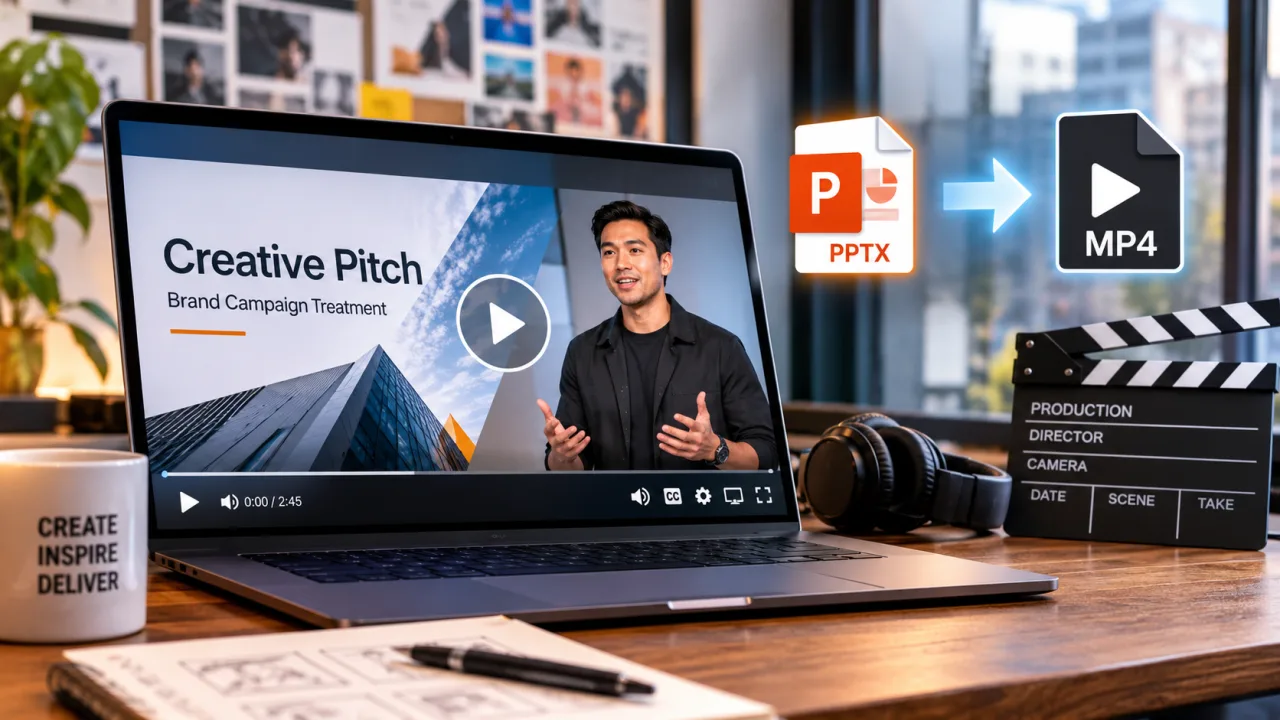
Studios historically solved this by recording messy thirty–minute screen shares or pulling a junior editor off billable client work to rebuild the entire presentation deck inside a nonlinear editing (NLE) timeline. Neither approach survives a busy pitch week when three treatment decks are due on the same Thursday.
Why Creative Studios Move From PowerPoint to Video After the Pitch Call
A creative treatment relies entirely on time, mood, and transition. Static slides strip out the temporal cues that tell a viewer how fast a sequence moves and why a visual reference matters. Even when teams try using built-in export features inside desktop presentation software, they run into three production bottlenecks:
-
Audio clips cut off at slide boundaries: Native presentation recorders treat each slide as an isolated audio bucket. If a voiceover sentence runs half a second past a slide transition, the syllable gets clipped or leaves an awkward dead gap before the next frame appears.
-
Font substitution and broken layout layers: When a deck moves between operating systems, custom typography and vector masks frequently shift by several pixels, ruining carefully aligned storyboard grids.
-
No editorial separation between visual frames and presenter notes: In a live pitch, a director’s face is valuable during the opening hook and the closing calendar, but distracting during full-bleed cinematography references where artwork requires the entire screen.
Converting PowerPoint to Video Without Flattening Slide Layers
Modern creative production teams bridge the gap between static lookbooks and full timeline edits by treating the presentation file as a scene-based project. When producers convert PowerPoint to video inside specialized tools, the importer preserves editable text, image, and layout layers on each slide while automatically pulling speaker notes into a synchronized voiceover script box.
Instead of flattening slides into static images and dragging them onto an audio track by hand, creative producers refine pitch reels in two focused passes:
1. Separate Full-Bleed Storyboard Frames From Presenter Commentary
Not every slide in a pitch reel requires the same layout. On the opening creative brief and final delivery schedule, placing a clean presenter avatar in the corner gives the client a personal guide. Across the middle storyboard sequence where you display color palettes, camera movement diagrams, and set photography turn off the on-screen presenter so visual frames play edge-to-edge while the voiceover carries the narrative arc.
2. Direct Spoken Cadence, Custom Pronunciation, and Breath Pauses
Agency pitch decks contain brand neologisms, product SKUs, and filmmaker names that generic text-to-speech engines mangle. Before rendering the preview, lock your agency or client Brand Kit with custom typography, color swatches, logo watermarks, and subtitle styling. Add custom pronunciation rules for proprietary terms and insert deliberate half-second pauses right before visual reveal slides so the spoken narrative lands on the beat rather than rushing through the cut.
Pacing, Technical Specs, and Regional Version Control
When an agency pitches a global campaign across North America, Europe, and APAC, creative directors frequently need to deliver regionalized cuts of the same treatment deck overnight. That workflow mirrors the component-based versioning principles established in the SMPTE ST 2067 Interoperable Master Format standard, where a single master timeline holds shared visual essences while localized audio and subtitle tracks swap cleanly per territory without rebuilding the entire visual master.
Pitch Production Approach Comparison
| Pitch Production Approach | Time to Revise Copy + Audio on 4 Slides | Visual Layer & Font Fidelity | Multi-Market Localization Workflow |
| Desktop presentation native export | 45 to 60 minutes; requires re-timing slide transitions and re-recording audio. | Prone to font shifts if opened on different machines. | Requires recording separate voice tracks from scratch per language. |
| Full NLE timeline rebuild | 2 to 3 hours; editor must re-export graphics, re-cut voiceover, and re-render. | High, but locks every text change behind an editor’s workstation. | Heavy project duplication and manual subtitle re-timing. |
Scene-based .pptx-to-video workspace |
Under 10 minutes; edit text layers and scene script directly in browser. | Preserves editable slide layers and locked Brand Kit fonts. | Duplicate master project across multiple languages with synced captions. |
Final Delivery Checklist
To ensure your exported treatment reel plays smoothly on every client device from a creative director’s calibrated studio display to a brand manager’s tablet on an airport train follow these baseline delivery parameters:
-
Export in standard 1080p MP4 format with consistent stereo audio levels to prevent stuttering in browser previews.
-
Watch the middle storyboard transition once with the sound off to confirm that synchronized captions never cover key visual focal points.
-
Verify that downloadable slide and caption files are enabled for the client’s internal legal review.
-
Check view analytics the morning before your callback to see which scenes the brand team replayed most.