
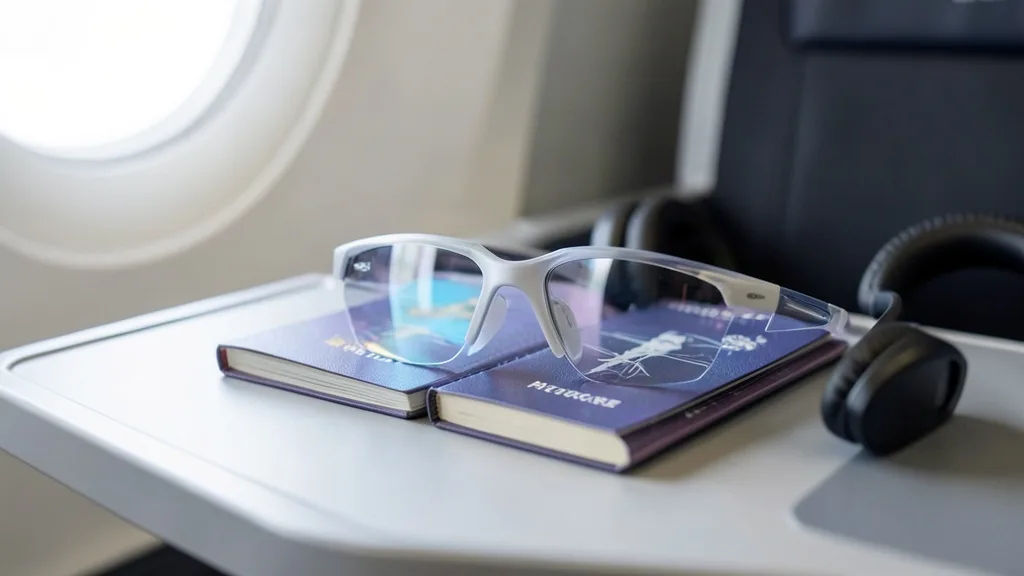
 A large private screen doesn’t have to mean carrying a bulky headset. Lightweight AR glasses are designed for watching movies, gaming, traveling, and working remotely in a compact, wearable form.
Comfort is just as important as display quality. A balanced frame, adjustable fit, and clear screen can make a difference during longer sessions, while a portable design makes the glasses easier to bring along.
What Makes AR Glasses Comfortable?
Balanced Frames and an Adjustable Fit
Low weight alone doesn’t guarantee comfort. A well-balanced frame spreads pressure across the nose and temples instead of concentrating it in one spot. Flexible temples can help secure the glasses without pinching, while adjustable nose pads help position the display and keep the frame stable.
A secure, balanced fit also helps keep the image aligned with your eyes important for both clear viewing and comfort.
Display Quality, Eye Comfort, and Heat
A clear display makes content easier to view. Brightness controls, contrast, and color quality also matter when you use the glasses in different settings.
For longer sessions, look for features designed to make viewing more comfortable, such as flicker reduction, adjustable brightness, and blue-light-related certifications. Heat management matters too: the glasses should stay comfortable around the areas that touch your face.
How to Use Lightweight AR Glasses
Watch Movies and Play Games on the Go
AR glasses can provide a private viewing screen without requiring a TV, monitor, or bulky headset. They’re convenient for watching movies on a flight or train, or for gaming when you want a larger view in a compact setup.
At home, they can also offer a more personal viewing experience without taking over a shared screen. For longer sessions, a stable fit and comfortable viewing settings are especially useful.
Work While Traveling or Remotely
A wearable display can be useful when you have limited desk space in a hotel room, on a plane, or at a café. It can give you another way to view documents, manage tasks, or work through presentations, with more privacy than a laptop screen in some public settings.
For work sessions, prioritize a readable display and a fit that remains comfortable over time.
RayNeo Air 4 Pro: Features and Design
The RayNeo Air 4 Pro is presented as a lightweight option for everyday use. The product details provided for this article include:
- Weight: 76 g
- Display: 201-inch virtual display with a 0.6-inch SeeYa Micro-OLED panel
- Resolution and refresh rate: Full HD and up to 120 Hz
- Brightness and contrast: Up to 1,200 nits, HDR10, and a 200,000:1 contrast ratio
- Color performance: 98% DCI-P3, 145% sRGB, and Delta E under 2
- Fit: Adjustable nose pads and flexible temples
- Viewing comfort: TÜV SÜD low-blue-light and flicker-free certifications, 3840 Hz high-frequency dimming, 20 brightness levels, and multiple display modes
Features for Everyday Use
The article’s product details also list a quad-speaker system, spatial sound, Bang & Olufsen audio tuning, and Whisper Mode. Other listed features include native 3D, AI 2D-to-3D conversion, on-device controls, prescription-lens compatibility, and support through the RayNeo Air Series App.
Together, these features are intended to support portable entertainment and everyday viewing. Consider which ones matter most for your routine, whether that’s watching shows, gaming, or working while traveling.
Conclusion
Lightweight AR glasses are most practical when they’re comfortable to wear, easy to carry, and simple to use. A balanced frame and adjustable fit support comfort, while a clear display and useful controls make the glasses more versatile for entertainment and remote work.
The RayNeo Air 4 Pro combines a lightweight design with a range of display and audio features. Compare its fit, specifications, and compatibility with your needs before deciding if it’s the right option for you.