You can make a convincing visualizer for a single without a camera crew by choosing one strong, steady scene and letting only a few elements change with the music. The trick is restraint: if every kick and snare triggers a new cut, the visuals have nowhere left to go when the chorus lands.
Find the Moment the Song Changes
Take an imagined electronic track called Last Train East. It opens with a muted synth pulse, then a brighter melody and heavier kick arrive together. Listen to the finished mix and mark two points: where the mood is set and where it shifts.
For a 25-second social clip, start early enough for the build to register, perhaps eight seconds of the quiet pulse before the bigger section takes over. If the most striking image appears in the first second, the music has nothing left to reveal. For a full-length visualizer, mark the intro, each major transition and the ending, and plan one noticeable change per section. Holding a composition for several bars is fine.
Pick a Scene That Survives Stillness
The frame has to look deliberate even when almost nothing moves. Here, the viewer sits in a dark train carriage, looking through a rain-streaked window as a few warm lights slide past. The window frame never moves, which gives the eye an anchor.
Decide what stays fixed and what responds. Camera position, window shape and rain stay constant. The passing lights grow brighter and more frequent when the kick enters, and the reflections fade when the drums drop out. That gives a three-part storyboard:
- Synth intro: a few amber lights drift by in a dark carriage.
- Kick and melody: a row of station lights sweeps across the glass, same angle.
- Drum drop-out: reflections dim while the framing holds through the last phrase.
Generating the Footage
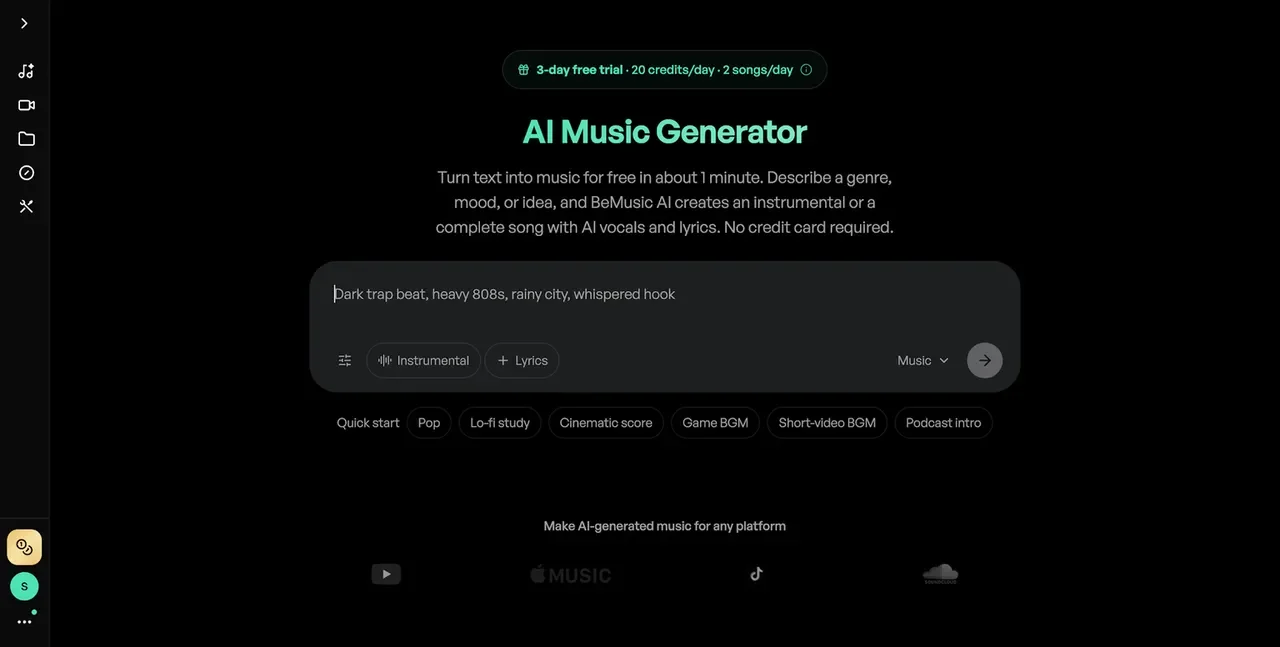
Upload the finished track to an AI music video tool, choose a style that suits the record and describe both the recurring scene and the planned changes: fixed interior view, consistent window and angle, dim lights at first, brighter lights sweeping left to right as the track builds, darkness returning when the drums fall away.
These tools can sync cuts to the beat, but you still need to listen for phrasing. If the melody arrives a fraction before the kick, let the reflections start brightening with the melody and save the strongest flash for the kick. That creates anticipation, then arrival.
Checking the Edit
Compare neighbouring shots. If one changes the window shape or reverses the light direction, regenerate only that shot. Small mismatches that look harmless as stills can make the carriage appear to jump in motion.
Watch once with sound to check that the biggest visual change matches the biggest musical one, and once muted to spot distracting jumps in brightness or framing. If it feels busy, remove cuts and let lights move within the frame. If it feels static, change one variable, such as reflection speed, before adding a new location.
Endings and Loops
Let the final shot finish its movement: cut after the lights pass, or let the frame settle into darkness with the last phrase. For looping clips, play the last second into the first to check the join. Sketching ideas from a demo is fine, but set final shot lengths from the mastered track so arrangement tweaks do not break the timing.